Canva vs Figma: Design Tool Comparison
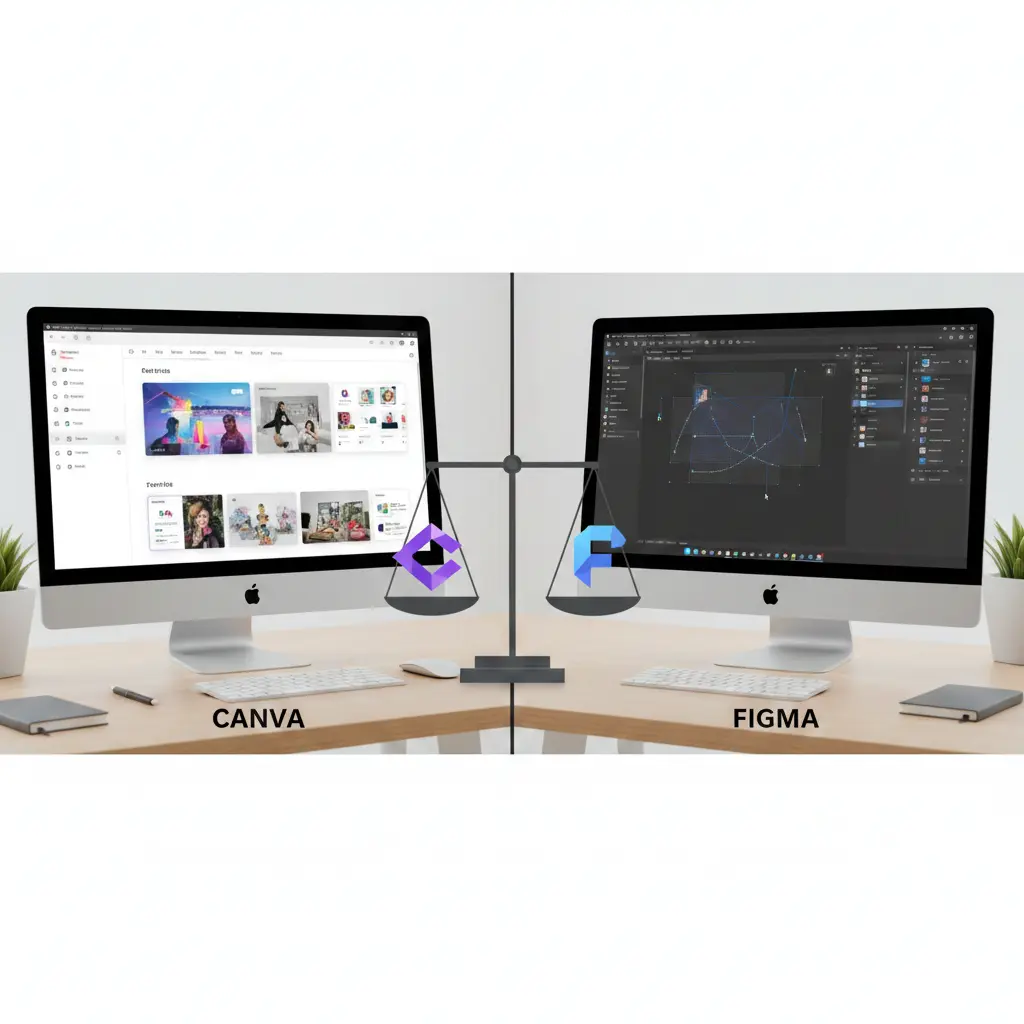
Are you tired of struggling to create professional-looking designs without extensive experience in graphic design? You're not alone. Many individuals and businesses face the challenge of producing high-quality visual content without breaking the bank or spending countless hours learning complex des
The Lankawebsites editorial team curates, fact-checks, and updates guides on personal finance, property, health, immigration, legal, business, and lifestyle topics relevant to Lankawebsites readers. Articles are produced with AI assistance and reviewed by the editorial team before publication.
Are you tired of struggling to create professional-looking designs without extensive experience in graphic design? You're not alone. Many individuals and businesses face the challenge of producing high-quality visual content without breaking the bank or spending countless hours learning complex design software. Fortunately, two popular design tools have made it easier to create stunning designs: Canva and Figma. In this article, you'll discover the key differences between these two design powerhouses and learn how to choose the best one for your specific needs.
By the end of this article, you'll have a clear understanding of the features, capabilities, and pricing plans of both Canva and Figma. You'll be able to make an informed decision about which tool is best suited for your design projects, whether you're a solo entrepreneur, a small business owner, or a large enterprise. So, let's get started and explore the world of Canva and Figma.
Introduction to Canva and Figma
Canva, founded in 2012, has become one of the most popular graphic design platforms, with over 20 million monthly active users. Its user-friendly interface and vast template library have made it a favorite among non-designers and professionals alike. Canva offers a wide range of design tools, from social media graphics to presentations, infographics, and even websites.
Figma, launched in 2016, has gained a strong following among professional designers and teams. Its cloud-based platform allows for real-time collaboration, making it an ideal choice for businesses and organizations. Figma's focus on user interface (UI) and user experience (UX) design has made it a go-to tool for creating complex, interactive designs.
Both Canva and Figma cater to different target audiences. Canva is geared towards individuals, small businesses, and marketing teams who need to create visual content quickly and easily. Figma, on the other hand, is designed for professional designers, product teams, and enterprises that require advanced design capabilities and collaboration features. For example, Canva is often used by social media managers to create engaging posts, while Figma is used by product designers to create complex, interactive prototypes.
Understanding the history and target audience of each tool is essential in determining which one is best suited for your needs. By recognizing the strengths and weaknesses of Canva and Figma, you can make an informed decision about which tool to use for your design projects.

Design Capabilities and Features
Vector Graphics
Both Canva and Figma offer robust vector graphics capabilities, allowing you to create scalable, high-quality designs. Canva's vector editor is user-friendly and easy to use, even for those without extensive design experience. Figma's vector tools, on the other hand, are more advanced, offering features like variable fonts, boolean operations, and complex path editing.
Raster Graphics
When it comes to raster graphics, Canva and Figma have different strengths. Canva excels at editing and manipulating raster images, with a wide range of filters, effects, and adjustment tools. Figma, while capable of handling raster graphics, is more focused on vector design and UI/UX development.
Collaboration Tools
Collaboration is a critical aspect of design, and both Canva and Figma offer features to facilitate teamwork. Canva's real-time collaboration allows multiple users to work on a design simultaneously, with features like commenting, @mentioning, and task assignment. Figma's collaboration tools are more advanced, with features like live feedback, version control, and branching, making it an ideal choice for large teams and enterprises.
For instance, a marketing team can use Canva to collaborate on a social media campaign, while a product design team can use Figma to collaborate on a complex UI/UX project. By understanding the design capabilities and features of each tool, you can choose the one that best fits your specific needs and workflow.
User Interface and User Experience
The user interface (UI) and user experience (UX) of a design tool can make or break the creative process. Canva's interface is intuitive and easy to use, with a drag-and-drop editor and a vast template library. Figma's interface, while more complex, is highly customizable, allowing designers to create a workflow that suits their needs.
Navigation is another critical aspect of a design tool. Canva's navigation is straightforward, with a clear and concise menu system. Figma's navigation, on the other hand, can be overwhelming at first, but its customizable interface and extensive keyboard shortcut support make it easier to use once you get familiar with it.
Customization options are also essential for designers. Canva offers a range of customization options, including font uploads, color palettes, and branding kits. Figma's customization options are more advanced, with features like plugin support, API integrations, and a robust developer community.
For example, a designer can use Canva to create a custom social media graphic with a specific font and color scheme, while a developer can use Figma to create a custom plugin to enhance the design workflow. By understanding the UI and UX of each tool, you can choose the one that best fits your design style and workflow.
Collaboration and Teamwork
Collaboration is a critical aspect of design, and both Canva and Figma offer features to facilitate teamwork. Canva's real-time collaboration allows multiple users to work on a design simultaneously, with features like commenting, @mentioning, and task assignment. Figma's collaboration tools are more advanced, with features like live feedback, version control, and branching, making it an ideal choice for large teams and enterprises.
Real-Time Collaboration
Real-time collaboration is essential for teams that need to work together on a design project. Canva's real-time collaboration allows multiple users to edit a design simultaneously, with automatic saving and version control. Figma's real-time collaboration is more advanced, with features like live cursor tracking, multi-player editing, and conflict resolution.
Commenting and Feedback
Commenting and feedback are critical aspects of the design process. Canva's commenting system allows users to leave comments and @mention team members, making it easy to provide feedback and track changes. Figma's commenting system is more advanced, with features like threaded conversations, @mentioning, and live feedback.
For instance, a design team can use Canva to collaborate on a marketing campaign, while a product team can use Figma to collaborate on a complex UI/UX project. By understanding the collaboration features of each tool, you can choose the one that best fits your team's needs and workflow.
Pricing and Plans
Pricing is an essential consideration when choosing a design tool. Canva offers a free plan, as well as several paid plans, including Canva Pro ($12.95/month) and Canva Enterprise (custom pricing). Figma offers a free plan, as well as several paid plans, including Figma Professional ($12/month) and Figma Organization (custom pricing).
Free Plans
Both Canva and Figma offer free plans, making it easy to get started with design. Canva's free plan includes access to its template library, design tools, and collaboration features. Figma's free plan includes access to its design tools, collaboration features, and limited storage.
Paid Plans
Paid plans offer additional features and support. Canva's paid plans include features like custom fonts, transparent backgrounds, and priority support. Figma's paid plans include features like advanced collaboration, custom plugins, and dedicated support.
For example, a small business can use Canva's free plan to create social media graphics, while a large enterprise can use Figma's paid plan to create complex UI/UX designs. By understanding the pricing plans of each tool, you can choose the one that best fits your budget and design needs.
Conclusion and Recommendation
Choosing the right design tool can be a daunting task, especially with so many options available. Canva and Figma are two popular design tools that cater to different needs and audiences. Canva is ideal for individuals, small businesses, and marketing teams who need to create visual content quickly and easily. Figma, on the other hand, is designed for professional designers, product teams, and enterprises that require advanced design capabilities and collaboration features.
When choosing between Canva and Figma, consider your design needs, target audience, and budget. If you're looking for a user-friendly design tool with a vast template library, Canva might be the better choice. If you're looking for a more advanced design tool with robust collaboration features, Figma might be the better choice.
Ultimately, the choice between Canva and Figma depends on your specific needs and goals. By understanding the features, capabilities, and pricing plans of each tool, you can make an informed decision and choose the one that best fits your design workflow.
Key Takeaways
In conclusion, Canva and Figma are two powerful design tools that cater to different needs and audiences. By understanding the features, capabilities, and pricing plans of each tool, you can make an informed decision and choose the one that best fits your design workflow. Remember to consider your design needs, target audience, and budget when choosing between Canva and Figma.
So, which design tool will you choose? Will you opt for Canva's user-friendly interface and vast template library, or Figma's advanced design capabilities and robust collaboration features? The choice is yours, and by taking the time to understand your needs and goals, you can create stunning designs that engage and inspire your audience.
Frequently Asked Questions
Related Articles

SEMrush vs Ahrefs vs Moz: SEO Tool Comparison
As you strive to optimize your website for search engines, you're likely to encounter a multitude of tools designed to aid in your quest for better rankings and increased traffic. Among these tools, SEMrush, Ahrefs, and Moz stand out as industry leaders, each offering a unique set of features and c

Project Management Tools: Asana vs Monday.com vs Clickup
A staggering 77% of high-performing projects use project management software, according to a report by the Project Management Institute. If you're looking to boost your team's productivity and collaboration, you're likely considering investing in a project management tool. With numerous options ava
Video Conferencing: Zoom vs Microsoft Teams vs Google Meet
Imagine being able to connect with your team or clients from anywhere in the world, without having to worry about the hassle and expense of traveling. With video conferencing, you can do just that. As someone who's used video conferencing tools for years, I think it's amazing how much they've impro
CRM Comparison: HubSpot vs Salesforce vs Pipedrive
You're sitting at your desk, staring at a pile of business cards, notes, and spreadsheets, trying to make sense of your customer interactions. You know that managing your relationships with customers is key to growing your business, but it's getting increasingly difficult to keep track of everythi