Project Management Tools: Asana vs Monday.com vs Clickup
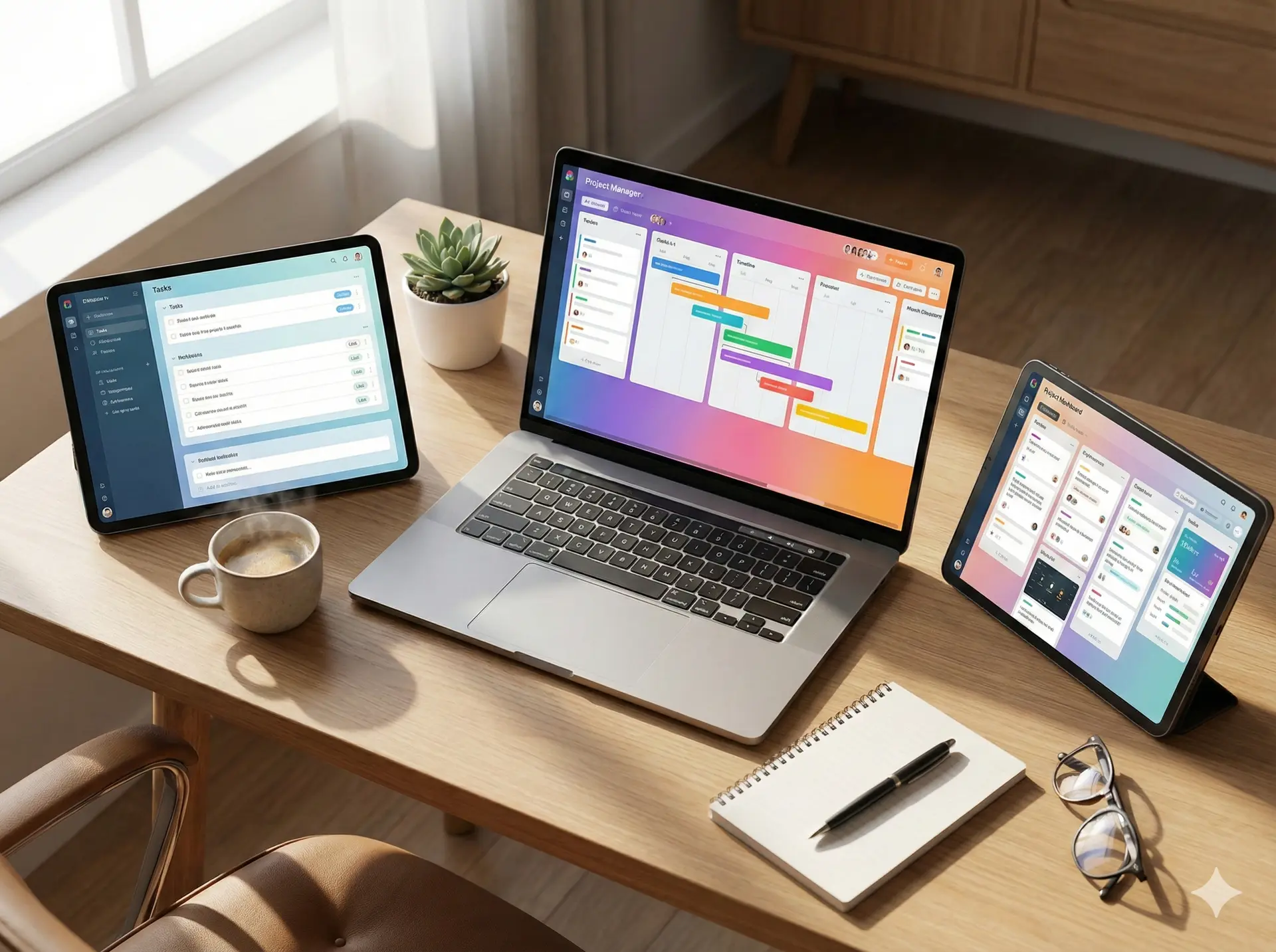
A staggering 77% of high-performing projects use project management software, according to a report by the Project Management Institute. If you're looking to boost your team's productivity and collaboration, you're likely considering investing in a project management tool. With numerous options ava
The Lankawebsites editorial team curates, fact-checks, and updates guides on personal finance, property, health, immigration, legal, business, and lifestyle topics relevant to Lankawebsites readers. Articles are produced with AI assistance and reviewed by the editorial team before publication.
A staggering 77% of high-performing projects use project management software, according to a report by the Project Management Institute. If you're looking to boost your team's productivity and collaboration, you're likely considering investing in a project management tool. With numerous options available, choosing the right one can be overwhelming. You want a tool that will help you prioritize tasks, manage workflows, and track progress without breaking the bank. In this article, you'll discover the features and benefits of three popular project management tools: Asana, Monday.com, and Clickup. By the end of this article, you'll be equipped with the knowledge to make an informed decision and take your project management to the next level.
As you explore these tools, you'll learn how to increase productivity, improve collaboration, and better manage your time. You'll discover the unique features of each tool, from task management and workflow automation to reporting and analytics. With this knowledge, you'll be able to choose the tool that best fits your team's needs and budget. Whether you're a seasoned project manager or just starting out, this article will provide you with the insights you need to make the most of your project management tool.
Introduction to Project Management Tools
Project management tools have become an essential part of modern business operations. These tools help teams work more efficiently, communicate effectively, and deliver projects on time. By using a project management tool, you can increase productivity by up to 30%, according to a study by McKinsey. Improved collaboration is another significant benefit, with 86% of employees and executives citing lack of collaboration as a major cause of project failure, as reported by Salesforce.
Better time management is also a key advantage of using a project management tool. With features like scheduling, reminders, and time tracking, you can ensure that your team is working on the right tasks at the right time. For example, a marketing team can use a project management tool to plan and execute a campaign, assigning tasks and deadlines to team members and tracking progress in real-time. By using a project management tool, you can reduce the risk of project delays and cost overruns, and improve overall project outcomes.
A project management tool can also help you identify and mitigate risks, allocate resources more effectively, and make data-driven decisions. By using a tool like Asana, Monday.com, or Clickup, you can create a centralized hub for all your project information, making it easier to access and share data with team members and stakeholders. With the right project management tool, you can take your project management to the next level and achieve greater success.

Asana: Features and Benefits
Asana is a popular project management tool that helps teams stay organized and on track. With Asana, you can create and assign tasks, set deadlines, and track progress in real-time. The tool also offers workflow automation, allowing you to automate repetitive tasks and focus on high-priority work. For example, you can use Asana's workflow automation feature to automatically assign tasks to team members based on their workload and expertise.
Asana's reporting and analytics features provide valuable insights into project performance, helping you identify areas for improvement and make data-driven decisions. The tool also integrates with a range of third-party apps, including Google Drive, Slack, and Trello, making it easy to incorporate Asana into your existing workflow. With Asana, you can create custom dashboards and reports, and set up notifications and reminders to ensure that team members stay on track.
One of the key benefits of Asana is its ease of use. The tool has a user-friendly interface that makes it easy to get started, even for team members who are new to project management. Asana also offers a range of templates and workflows, making it easy to set up and manage projects. For example, you can use Asana's template for agile project management to create a workflow that includes sprints, backlogs, and retrospectives.
Monday.com: Features and Benefits
Monday.com is a highly customizable project management tool that allows you to create workflows tailored to your team's specific needs. The tool offers integrated time tracking, making it easy to track how much time team members spend on tasks and projects. Monday.com also provides automated reporting, allowing you to generate reports and dashboards with just a few clicks.
One of the key benefits of Monday.com is its flexibility. The tool allows you to create custom workflows and dashboards, making it easy to adapt to changing project requirements. Monday.com also integrates with a range of third-party apps, including Google Drive, Slack, and Trello, making it easy to incorporate the tool into your existing workflow. For example, you can use Monday.com's integration with Google Drive to attach files and documents to tasks and projects.
Monday.com's customizable workflows also make it easy to manage complex projects. The tool allows you to create custom boards and workflows, making it easy to visualize and track project progress. For example, you can use Monday.com's board view to create a Kanban board that shows the status of tasks and projects. With Monday.com, you can create a workflow that includes multiple boards, pipelines, and workflows, making it easy to manage large and complex projects.
Clickup: Features and Benefits
Clickup is an all-in-one project management tool that offers a range of features, including task management, workflow automation, and reporting. The tool also provides customizable dashboards, making it easy to visualize and track project progress. Clickup's integrated chat and email features make it easy to communicate with team members and stakeholders, reducing the need for external communication tools.
One of the key benefits of Clickup is its affordability. The tool offers a range of pricing plans, including a free plan, making it accessible to teams of all sizes and budgets. Clickup also offers a range of templates and workflows, making it easy to get started with project management. For example, you can use Clickup's template for marketing project management to create a workflow that includes tasks and deadlines for social media, content creation, and campaign execution.
Clickup's all-in-one platform also makes it easy to manage multiple projects and teams. The tool allows you to create custom workflows and dashboards, making it easy to track project progress and identify areas for improvement. With Clickup, you can create a centralized hub for all your project information, making it easy to access and share data with team members and stakeholders. For example, you can use Clickup's dashboard view to create a customized dashboard that shows project progress, deadlines, and tasks.
Comparison of Asana, Monday.com, and Clickup
When it comes to choosing a project management tool, there are several factors to consider, including pricing, features, and user interface. Asana, Monday.com, and Clickup all offer a range of pricing plans, including free plans and paid plans. Asana's pricing plans start at $9.99 per user per month, while Monday.com's pricing plans start at $8 per user per month. Clickup's pricing plans start at $5 per user per month, making it one of the most affordable options.
In terms of features, all three tools offer task management, workflow automation, and reporting. However, Monday.com and Clickup offer more advanced features, including integrated time tracking and customizable workflows. Asana, on the other hand, offers more advanced reporting and analytics features. When it comes to user interface, all three tools have a user-friendly interface that makes it easy to get started. However, Clickup's interface is more customizable, allowing you to create custom dashboards and workflows.
Ultimately, the choice of project management tool will depend on your team's specific needs and budget. If you're looking for a tool with advanced reporting and analytics features, Asana may be the best choice. If you're looking for a tool with customizable workflows and integrated time tracking, Monday.com may be the best choice. If you're looking for an all-in-one tool with a range of features and affordable pricing, Clickup may be the best choice.
Choosing the Right Project Management Tool
Choosing the right project management tool can be a daunting task, especially with so many options available. To make the right choice, you need to assess your team's needs and budget. Consider the size of your team, the complexity of your projects, and the features you need to manage your projects effectively. You should also evaluate the pricing plans of each tool, considering the cost per user per month and the features included in each plan.
When evaluating features, consider the task management, workflow automation, and reporting features of each tool. You should also consider the integrations offered by each tool, including integrations with third-party apps and services. For example, you may need to integrate your project management tool with Google Drive, Slack, or Trello. You should also consider the user interface and experience of each tool, including the ease of use and customization options.
Finally, consider the support and resources offered by each tool, including customer support, training, and documentation. You should also read reviews and case studies from other users to get a sense of the tool's strengths and weaknesses. By taking the time to assess your team's needs and evaluate the features and pricing of each tool, you can make an informed decision and choose the right project management tool for your team.
Key Takeaways
In conclusion, choosing the right project management tool is critical to the success of your team and projects. By considering the features, pricing, and user interface of each tool, you can make an informed decision and choose the tool that best fits your team's needs and budget. Remember to assess your team's needs, evaluate the features and pricing of each tool, and consider the user interface and experience. With the right project management tool, you can increase productivity, improve collaboration, and deliver projects on time.
So, what's the next step? Take some time to explore each tool, read reviews and case studies, and consider the features and pricing that best fit your team's needs. With the right project management tool, you can take your project management to the next level and achieve greater success. What will you do first to start improving your project management?
Frequently Asked Questions
Related Articles
SEMrush vs Ahrefs vs Moz: SEO Tool Comparison
As you strive to optimize your website for search engines, you're likely to encounter a multitude of tools designed to aid in your quest for better rankings and increased traffic. Among these tools, SEMrush, Ahrefs, and Moz stand out as industry leaders, each offering a unique set of features and c
Canva vs Figma: Design Tool Comparison
Are you tired of struggling to create professional-looking designs without extensive experience in graphic design? You're not alone. Many individuals and businesses face the challenge of producing high-quality visual content without breaking the bank or spending countless hours learning complex des
Video Conferencing: Zoom vs Microsoft Teams vs Google Meet
Imagine being able to connect with your team or clients from anywhere in the world, without having to worry about the hassle and expense of traveling. With video conferencing, you can do just that. As someone who's used video conferencing tools for years, I think it's amazing how much they've impro
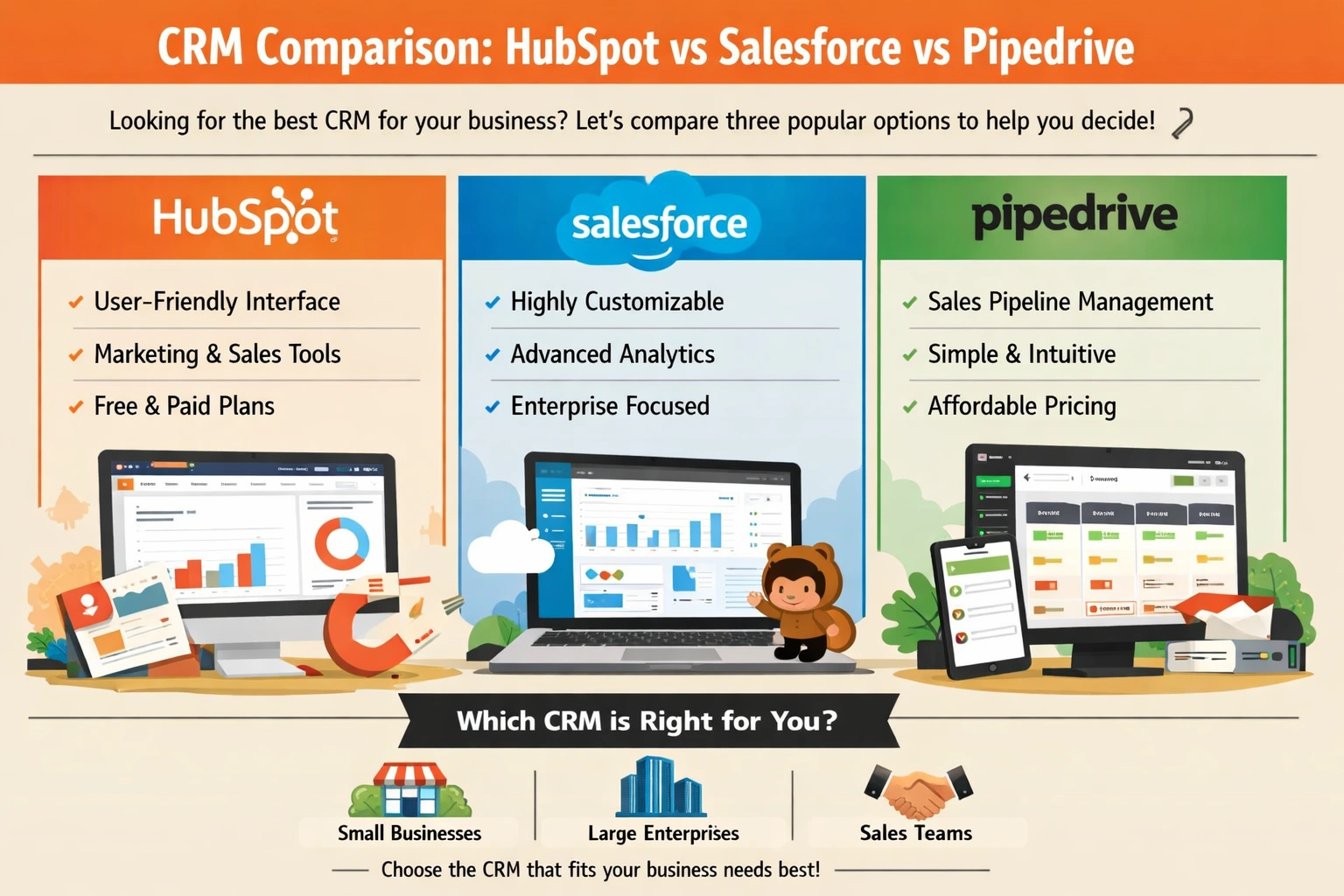
CRM Comparison: HubSpot vs Salesforce vs Pipedrive
You're sitting at your desk, staring at a pile of business cards, notes, and spreadsheets, trying to make sense of your customer interactions. You know that managing your relationships with customers is key to growing your business, but it's getting increasingly difficult to keep track of everythi