You're probably no stranger to the frustration of searching for a business online, only to find incomplete or outdated information. You've likely experienced the disappointment of trying to find a company's hours, address, or phone number, only to come up empty-handed. If you're a business owner, y...
A
Written by
Admin
4 views
Share:
You're probably no stranger to the frustration of searching for a business online, only to find incomplete or outdated information. You've likely experienced the disappointment of trying to find a company's hours, address, or phone number, only to come up empty-handed. If you're a business owner, you know how important it is to have a strong online presence, and a Google Business Profile is a key part of that.
As someone who's worked with numerous businesses to improve their online visibility, I've seen firsthand the impact a well-crafted Google Business Profile can have. By claiming and optimizing your profile, you can increase your chances of showing up in search results, drive more traffic to your website, and attract new customers.
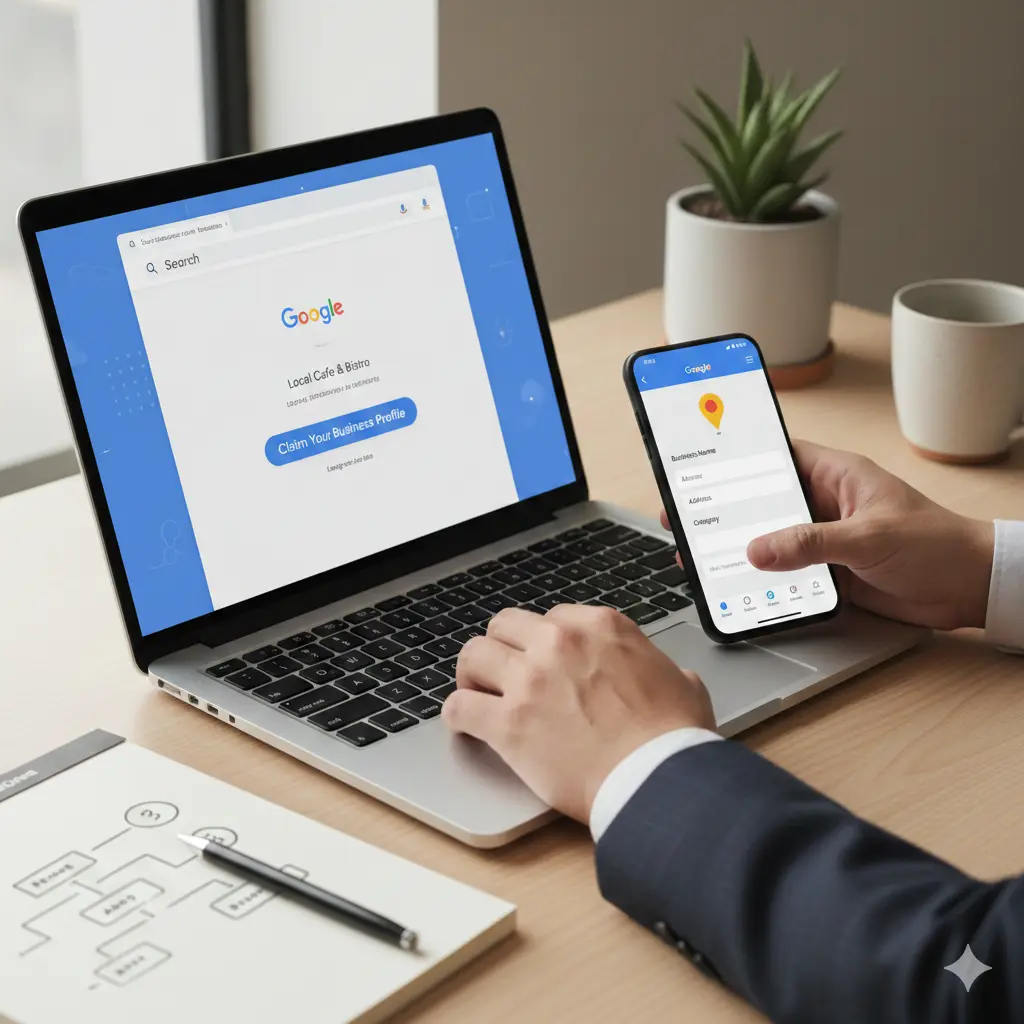
In this article, you'll learn the step-by-step process for creating a Google Business Profile that accurately represents your business and helps you reach your target audience. You'll discover how to verify your business, add essential information, and use features like posts and reviews to engage with customers and build your brand.
What is a Google Business Profile
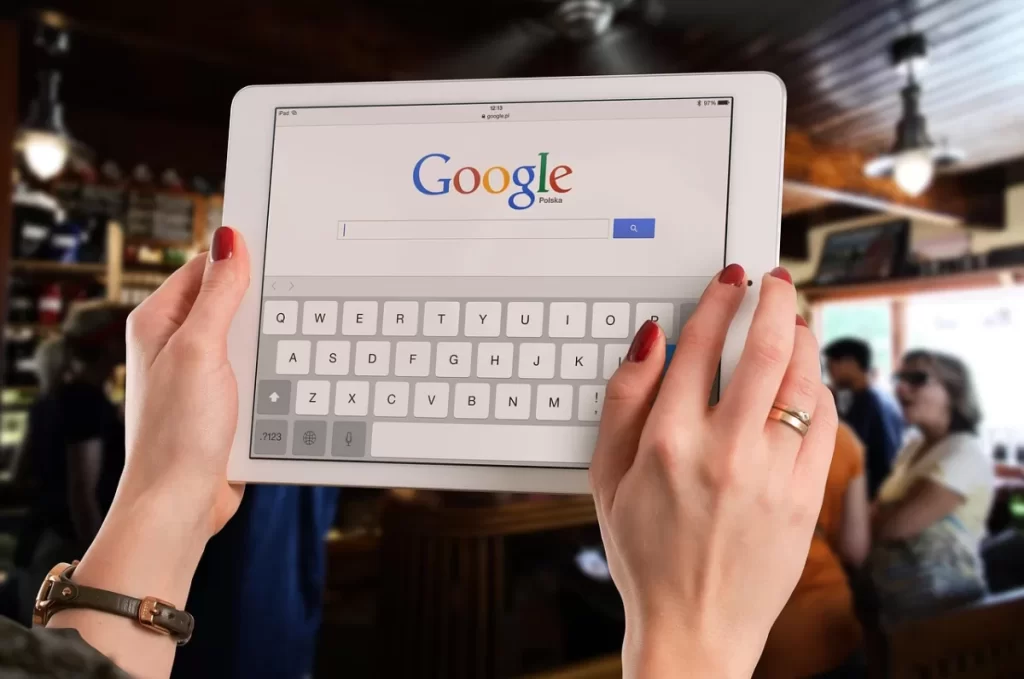
I still remember the day I helped my friend's small bakery get listed on Google. The owner, Sarah, was thrilled to see her business pop up on the search results, complete with hours of operation, reviews, and even a photo of her famous chocolate cake. As we worked on optimizing her Google Business Profile, I explained to her that this free tool was more than just a listing - it was a powerful way to manage her online presence and attract new customers. A Google Business Profile is essentially a digital storefront that allows businesses to showcase their products, services, and brand story to potential customers searching for them online.
<img src='https://www.lankawebsites.com/wp-content/uploads/2026/01/pixabay-google-business-profile-example-51d2e-1024x682.webp' alt='Google Business Profile example' loading='lazy' />
For local businesses like Sarah's bakery, having a complete and accurate Google Business Profile is essential. Not only does it help increase visibility in search results, but it also provides valuable insights into customer behavior and preferences. With a Google Business Profile, you can respond to customer reviews, post updates and offers, and even track website visits and phone calls generated from your profile. For instance, Sarah was able to see that most of her customers were searching for "bakery near me" on their mobile devices, which helped her optimize her profile for mobile users.
Key Features of a Google Business Profile
Some of the key features of a Google Business Profile include the ability to add photos and videos of your business, respond to customer reviews, and post updates and offers to attract new customers. You can also use the Google My Business app to manage your profile on-the-go and stay up-to-date with customer interactions. For example, Sarah used the app to post a special offer for Valentine's Day, which resulted in a significant increase in sales and customer engagement. By taking control of your Google Business Profile, you can build trust and credibility with potential customers and stay ahead of the competition.
As a business owner, can you afford to miss out on the opportunity to connect with customers and promote your business to a vast online audience? With a Google Business Profile, you can take charge of your online presence and start attracting new customers today. In the next section, we'll explore how to create a Google Business Profile and start optimizing it for maximum impact.
How to Create a Google Business Profile
I still remember the day I helped my friend set up her Google Business Profile for her bakery. She was thrilled to see her business listed on Google Maps and searched by potential customers. As we worked through the process, I realized how straightforward it was to create a profile. Now, you might be wondering how to get started with creating your own Google Business Profile.
The first step is signing up for a Google account if you don't already have one. You can use your existing Gmail account or create a new one specifically for your business. Once you have a Google account, you can head over to the Google My Business website and click on "Add your business." You'll be asked to enter your business name and address, so make sure you have that information handy. For example, if you're a dentist with a practice in New York City, you'll want to enter "Smith's Dental Practice" as your business name and your exact address, including the zip code.
Verification and Profile Setup
After you've entered your business information, you'll need to verify your business. Google will send a postcard to your business address with a verification code. This can take a few days, so be patient. Once you receive the postcard, you can enter the code on the Google My Business website to verify your business. With your business verified, you can start setting up your profile. You'll want to add high-quality photos of your business, including your logo, exterior, and interior. You should also write a detailed description of your business, including your hours of operation, services offered, and any other relevant information. For instance, a restaurant might include their menu, pricing, and reservation policies.
A great example of a well-set-up Google Business Profile is that of a local coffee shop in my neighborhood. Their profile includes photos of their cozy atmosphere, a detailed description of their menu and hours, and even a link to their website. As a result, when you search for "coffee shops near me," their business appears at the top of the list, complete with a map and directions. By following these steps and taking the time to set up your profile, you can increase your online visibility and attract more customers to your business.
Optimizing Your Google Business Profile
I still remember the first time I helped a small business owner claim their Google Business Profile - the excitement was palpable as they saw their business pop up on the map, ready to attract new customers. But as I looked at their profile, I knew we were just getting started. A complete and accurate profile is just the beginning - to truly make the most of this powerful tool, you need to optimize it.
Now, you might be wondering what optimization entails. For me, it starts with adding high-quality photos that showcase the business and its products or services. This is not just about aesthetics; it's about giving potential customers a sense of what to expect. I recall working with a restaurant owner who added photos of their dishes, and their profile views increased by over 20% in just a few weeks. The key is to use good lighting, clear images, and to add new photos regularly to keep the profile fresh.
Another essential aspect of optimization is responding to reviews. This is not just about addressing negative feedback, but also about showing appreciation for positive reviews. By responding promptly and professionally, you can build trust with potential customers and show that you value their feedback. For example, a hotel I worked with started responding to all reviews, and their overall rating increased from 3.5 to 4.2 stars in just a few months. You can also use the Q&A feature to answer frequently asked questions and provide additional information about your business.
By following these best practices, you can turn your Google Business Profile into a powerful marketing tool that attracts new customers and drives sales. You can also use the insights provided by Google to track your profile's performance and make data-driven decisions. For instance, you can see how many people are viewing your profile, what actions they're taking, and where they're coming from. This information can help you refine your marketing strategy and optimize your profile for even better results.
Managing and Updating Your Google Business Profile
I recall a conversation with a friend who owns a small bakery, where she mentioned the frustration of having an outdated Google Business Profile. Her business had recently moved to a new location, but the old address was still listed online. This brings us to something often overlooked: the ongoing management and updates required to keep your Google Business Profile accurate and effective. You can't just set it and forget it - your profile needs regular attention to reflect changes in your business.
Editing your profile is a straightforward process. You can log in to your Google My Business account and make changes to your business name, address, hours of operation, and other essential details. For instance, if you've recently expanded your services, you can update your profile to reflect this. A great example of this is a local gym that added yoga classes to their schedule - they updated their Google Business Profile to include this new service, which helped attract new customers who were searching for yoga classes in the area.
Adding new photos is another way to keep your profile fresh and engaging. You can upload high-quality images of your products, services, or team members. This not only helps to showcase your business but also gives customers a better idea of what to expect. For example, a restaurant can upload photos of their dishes, which can help to entice potential customers and increase bookings. You can also use the Google My Business app to upload photos on the go, making it easy to keep your profile up to date.
Responding to reviews is also a key part of managing your Google Business Profile. When customers leave feedback, you should respond promptly and professionally, whether the review is positive or negative. This shows that you value your customers' opinions and care about their experiences. For example, if a customer leaves a negative review about a poor experience at your business, you can respond with an apology and an offer to make things right. This can help to turn a negative experience into a positive one and show potential customers that you're committed to providing excellent service.
I recall a conversation with a business owner who was frustrated because his Google Business Profile was not showing up in search results. After reviewing his profile, I noticed that he had created multiple listings for the same business, which was causing confusion for Google's algorithm. This experience taught me the significance of avoiding duplicate listings when creating a Google Business Profile.
Avoiding common mistakes is essential to ensuring your Google Business Profile is effective. One such mistake is inaccurate information. You can ensure accuracy by double-checking your business's name, address, and phone number. For instance, a small business in New York City had listed its address as "NY, NY" instead of "New York, NY", which led to customers having trouble finding the location. By correcting this mistake, the business was able to improve its visibility in search results.
Another mistake to avoid is not responding to reviews. You can respond to both positive and negative reviews to show that you value your customers' feedback. For example, a restaurant in Los Angeles had received a negative review from a customer who was unhappy with the service. The restaurant responded promptly, apologizing for the issue and offering a discount on the customer's next visit. This response not only improved the customer's perception of the restaurant but also showed potential customers that the business is committed to providing good service.
By avoiding these common mistakes, you can create an effective Google Business Profile that helps your business attract more customers. You can also use tools like Google's Business Profile Manager to help you manage your profile and avoid errors. What steps will you take to ensure your Google Business Profile is accurate and effective?
Empowering Your Local Presence
Imagine being able to manage your online reputation and attract new customers with ease. By creating a Google Business Profile, you can do just that. The key to unlocking this potential lies in taking control of your profile and using it to showcase your business's unique strengths and offerings.
Now that you have the knowledge, create a Google Business Profile today to improve your local online presence and start growing your customer base - what will your business achieve with a strong online foundation?
Frequently Asked Questions
What is a Google Business Profile?
A Google Business Profile is a free tool that allows businesses to manage their online presence across Google
How do I create a Google Business Profile?
To create a Google Business Profile, sign up for Google My Business and follow the verification process